Header and Footer
Header and Footer Module is where you can configure the header and footer of your website.
Using Header Module, you can configure the header of your website. And using Footer Module, you can configure the header of your website.
Header
Menu Appearance (Desktop)

Menu Appearance (Mobile)

Footer
Footer Appearance (Desktop)
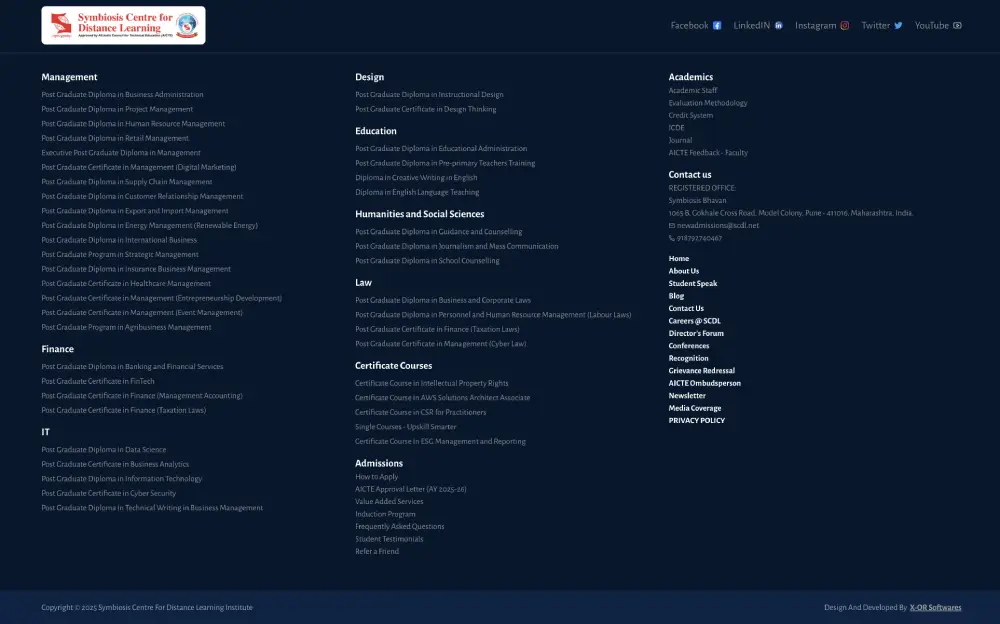
Footer Appearance (Mobile)

Header And Footer Modules are divided into four sections as described below :
Logo & Details
Menus
Links
Social Links
You can refer below images to see how a menu will appear on your website.
Logo & Details
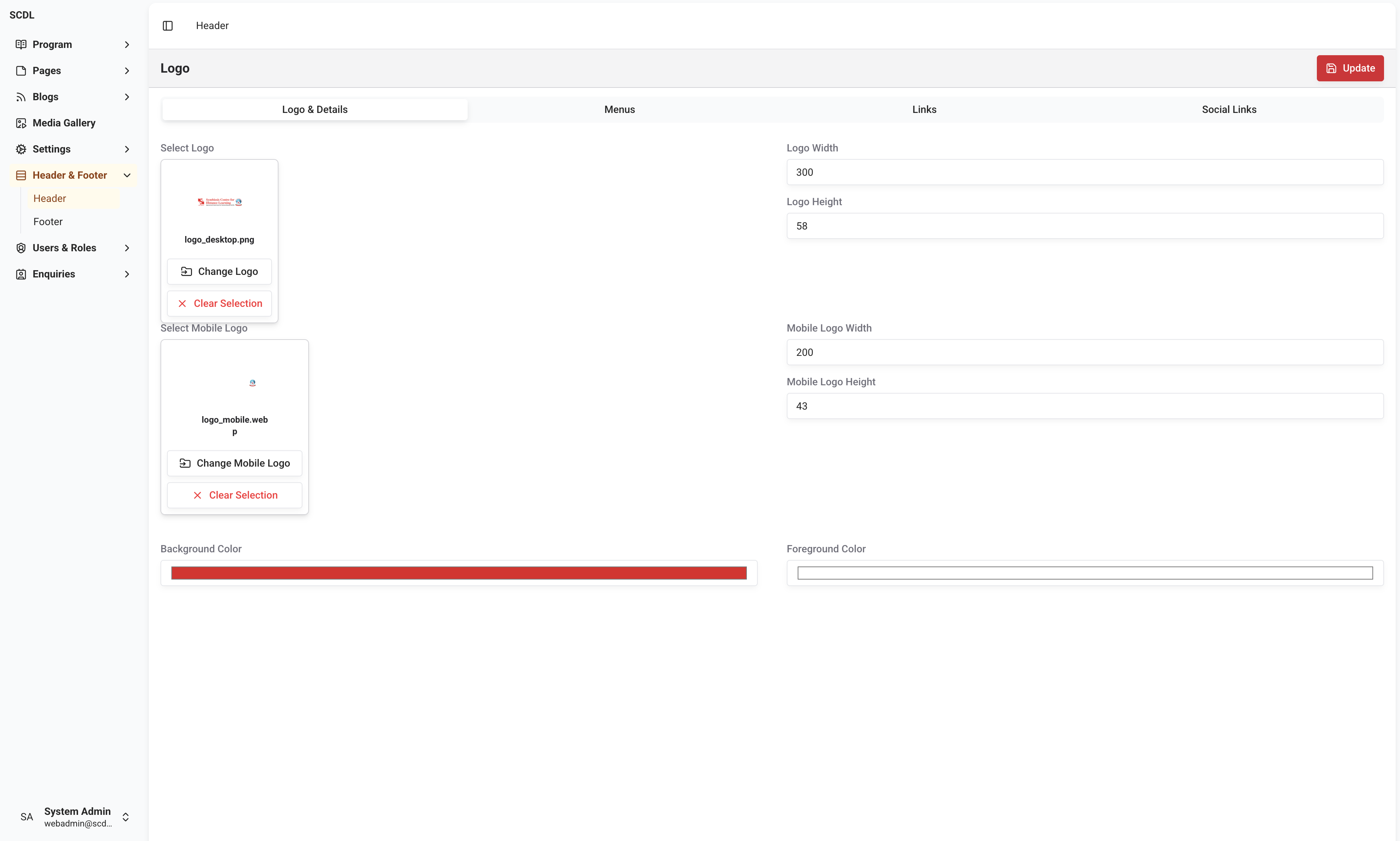
In this section, you can configure the logo and the details of your website. Available options are :
Logo
Logo Width
Logo Height
Mobile Logo
Mobile Logo Width
Mobile Logo Height
Background Color
Foreground Color
Settings configured in this section will be visible on all pages of your website on all the devices.
Menus
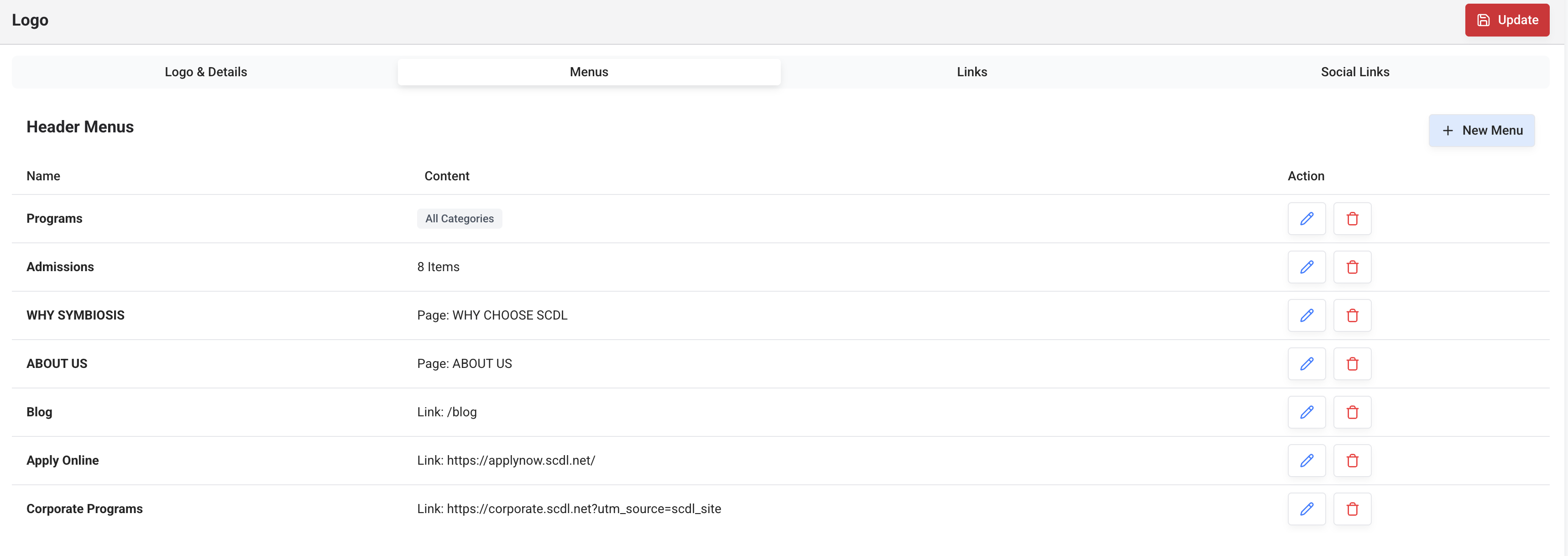
You can configure the menus of your website using this section. You can add multiple menus.
Please refer Menu Editor to check how to configure menus.
Links

You can configure the links in the menu of your website using this section. You can add multiple links.
Please refer Menu Editor to see how to configure links.
Social Links
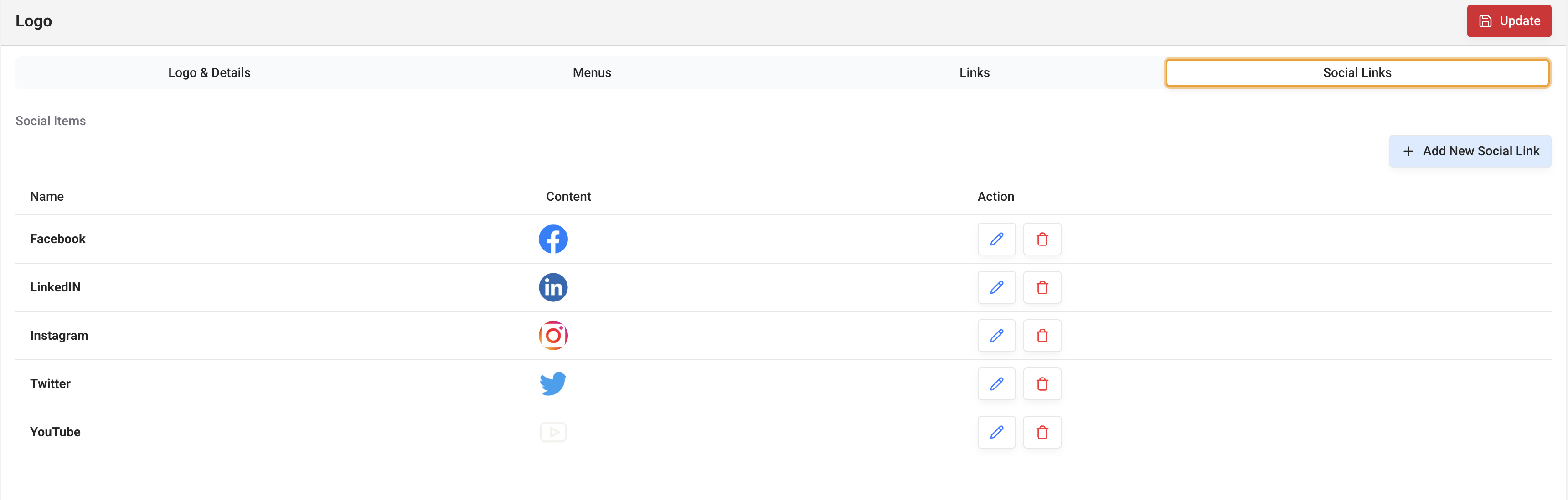
You can configure the social links in the menu of your website using this section. You can add multiple social links.
Please refer Menu Editor to check how to configure social links.
Contact Details
Contact details appearing in the footer of your website are configured in Contact Details section of the Settings Module.