Menu Editor
Using Menu Editor, you can configure the menus. Menu Editor provide comprehensive options to configure menus.
Structure
The Menu has the following structure:
Title
Display Order
Menu Type
More fields are available based on the menu type. These fields are described below.
Sub Menu: Will open a new dialog to configure submenus.
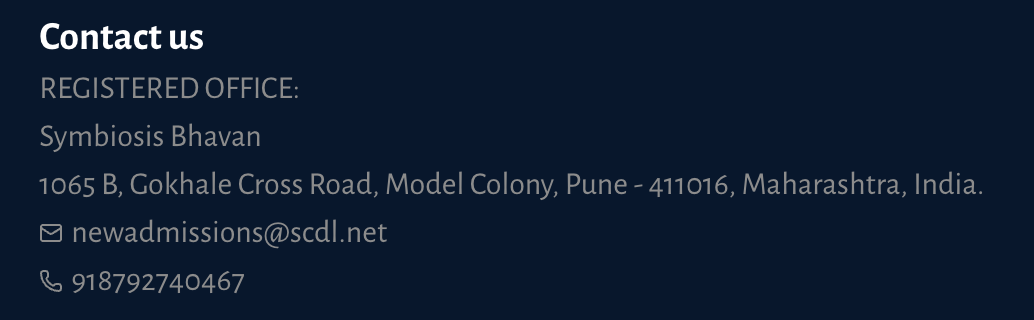
Contact Info: Menu item will display the contact info.
Icon: An icon type menu displays the icon and can have a link which will open when a menu is clicked, Link field will be displayed to enter the link.
Link: A Link type menu displays the icon and can have a link which will open when a menu is clicked, Link field will be displayed to enter the link.
Page: Page type is a menu that will open a page when a menu is clicked. Page selection dropdown will be displayed to select the page.
Media: Media type is a menu that will open a media when a menu is clicked. Media Selector to select the media.
Info: An info type menu only displays the title as info text.
Menu Type Appearance
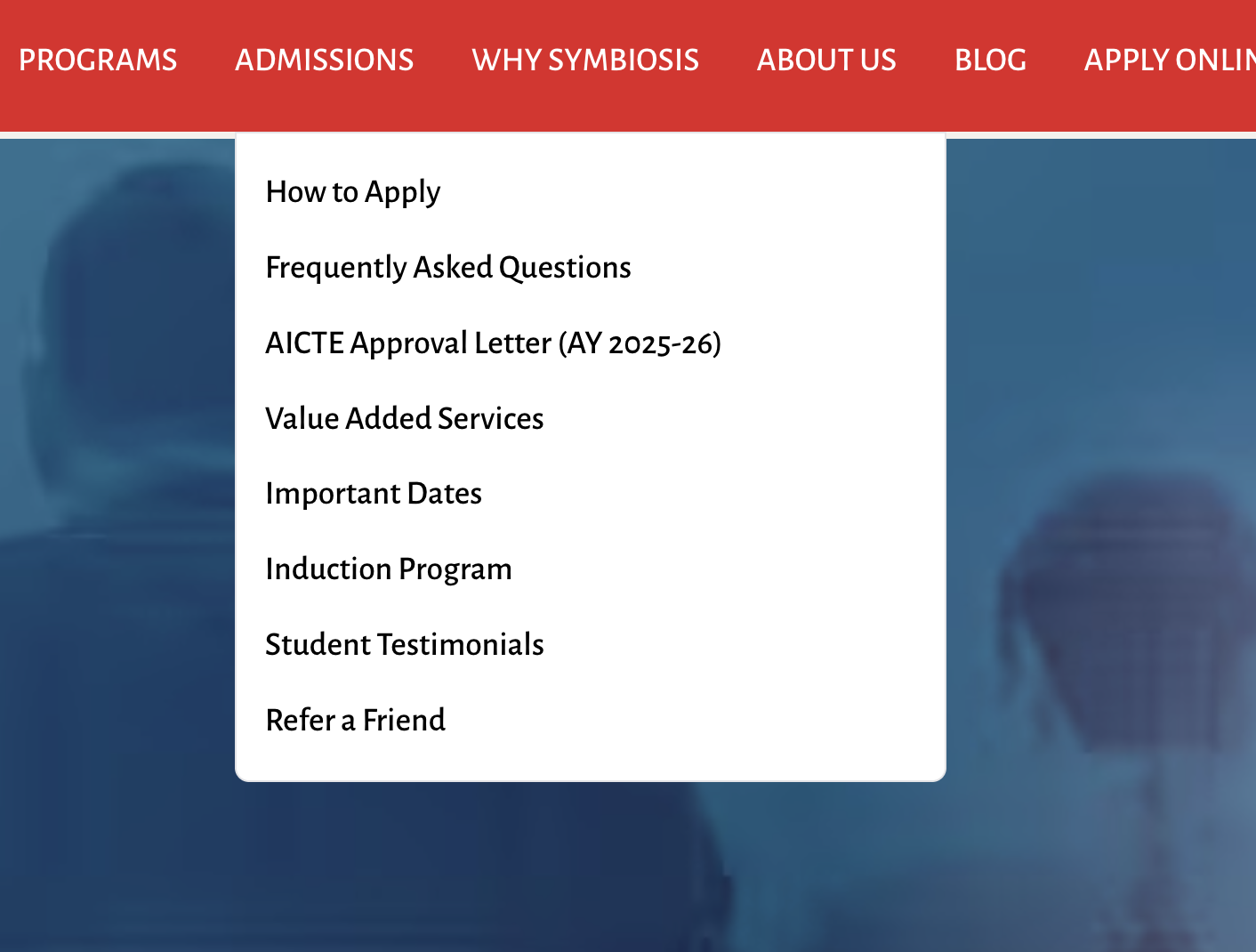
1. Sub Menu: A submenu type menu displays the dropdown list of submenus.
2. Contact Info: a contact info type menu displays the contact info.
3. Icon: An icon type menu displays the icon and can have a link which will open when a menu is clicked.
4. Link: Link type is a basic link that will open when a menu is clicked.
5. Page: Page type is a menu that will open a page when a menu is clicked.
6. Media: Media type is a menu that will open a media when a menu is clicked.
7. Info: An info type menu only displays the title as info text.
Editing Menu
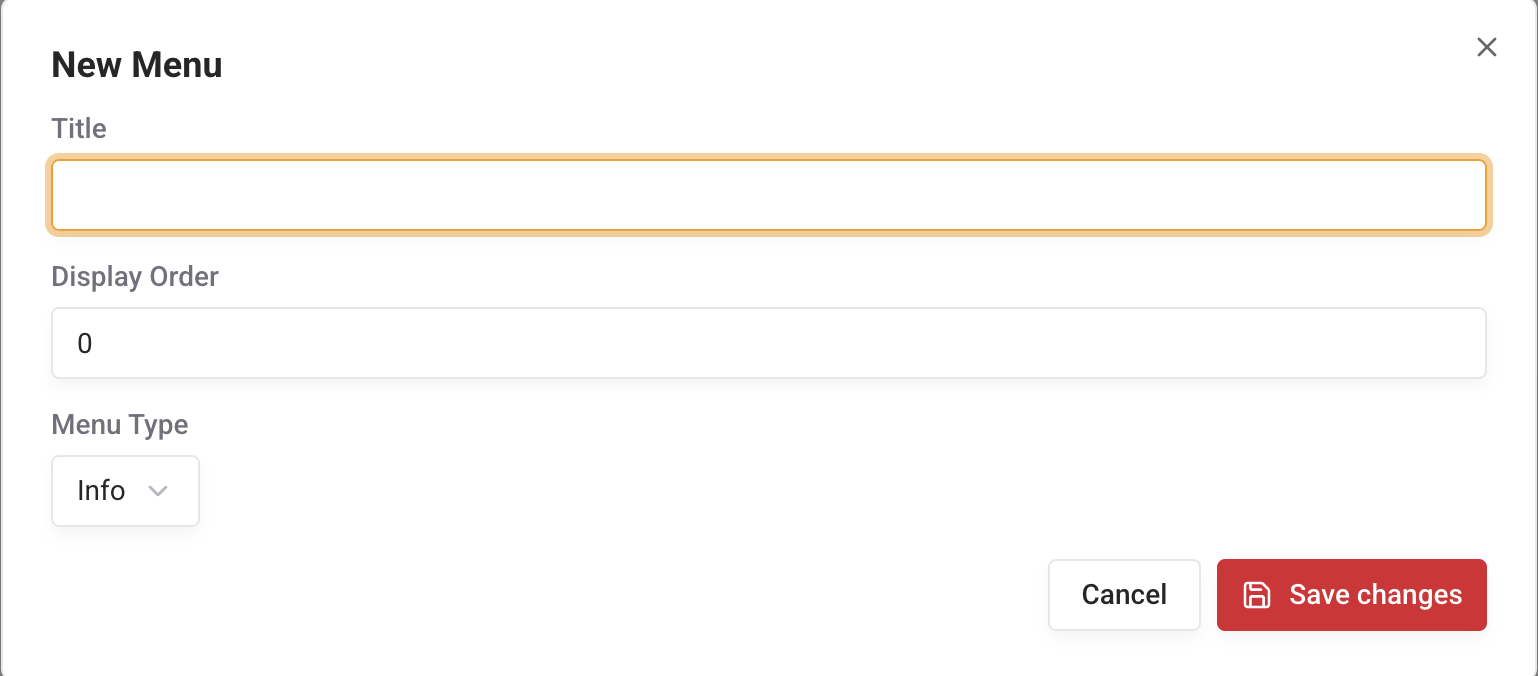
Using the menu editor, you can configure the menus.