CRUD
We have used standard CRUD component throughout the application for creating, reading, updating and deleting data.
We ensure maintainability and ease of use by using simmilar component for CRUD operations.
CRUD component is described in below section.
Structure
Every page with CRUD operations has the similar structure and layout.
At the top of the page, we have added the search bar, Show deleted checkbox and the Create New Button.
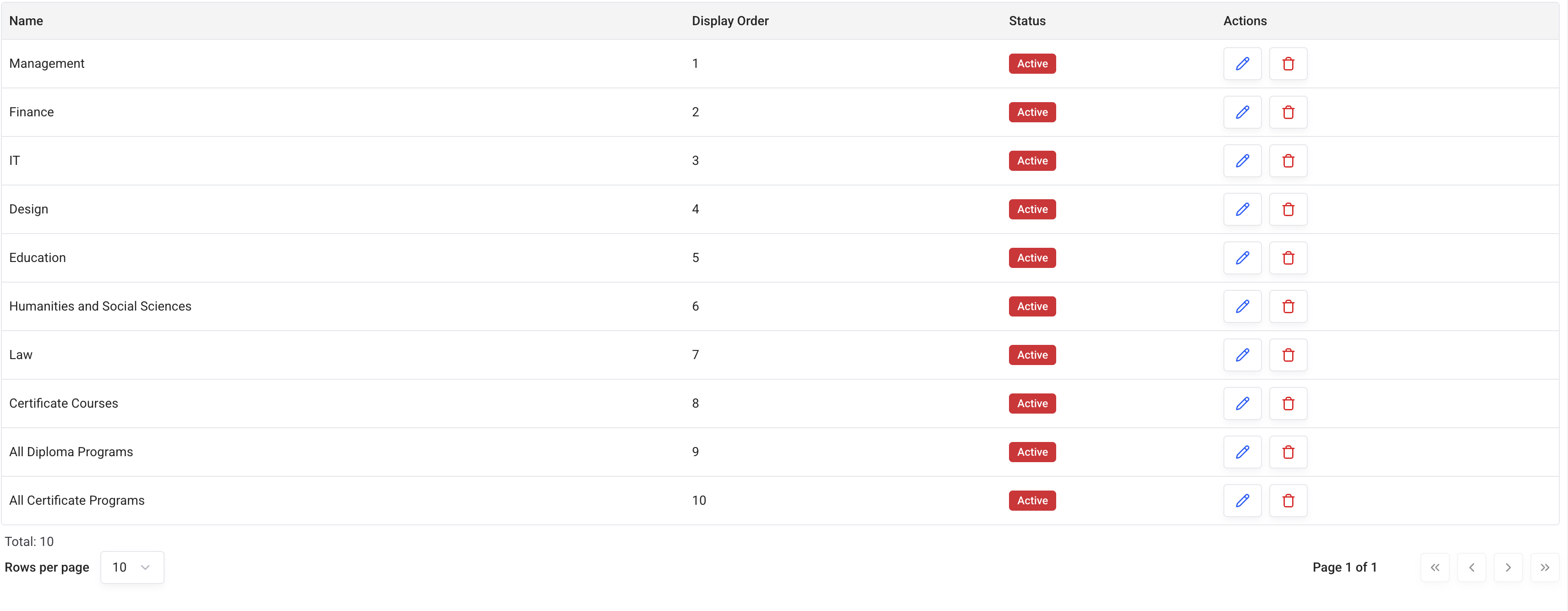
Below the top bar, we have a table with the list of records.
we have a drawer with the record creation form which is opened when the Create New button is clicked or when the record is edited.
Top bar

When you type a search phrase, the search results will start populating in the table below.
If you want to see deleted records, you can check the Show deleted checkbox.
Similarly, you can create a new record by clicking the Create New button. It will open up the record creation form in the drawer on the right.
Table
The table shows the list of records with general information about them.
Pagination is used to show the list of records in chunks. you can navigate through the pages using the pagination buttons. You can also use the "Rows Per Page" dropdown to change the number of records per page.
Drawer
You can create a new record or edit an existing record by using the form in the drawer.
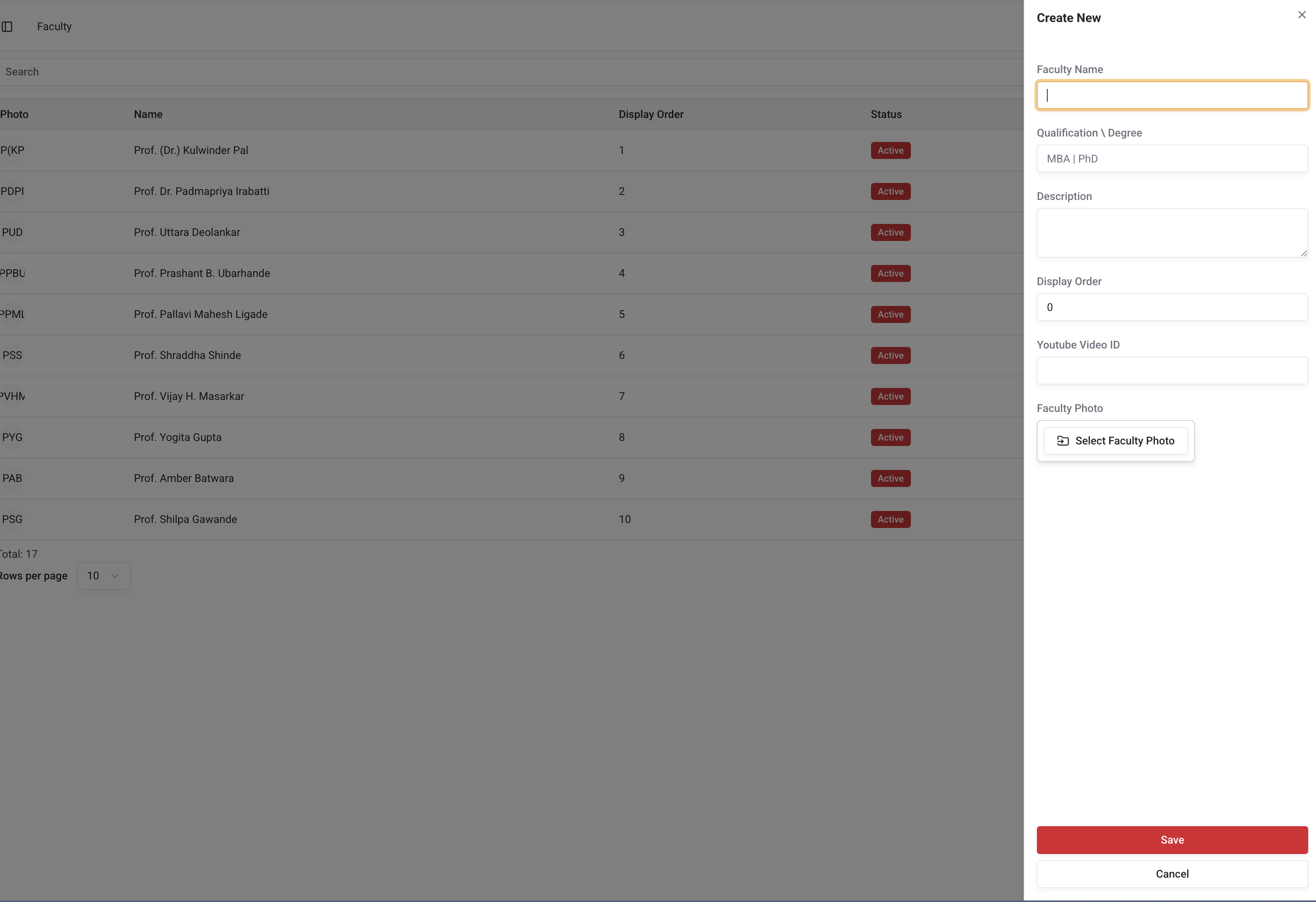
There is a Save and Cancel button at the bottom of the form.
Using an editor, you can easily create or edit the record.