URL Redirections
URL Redirections can be managed from the URL Redirections module page.
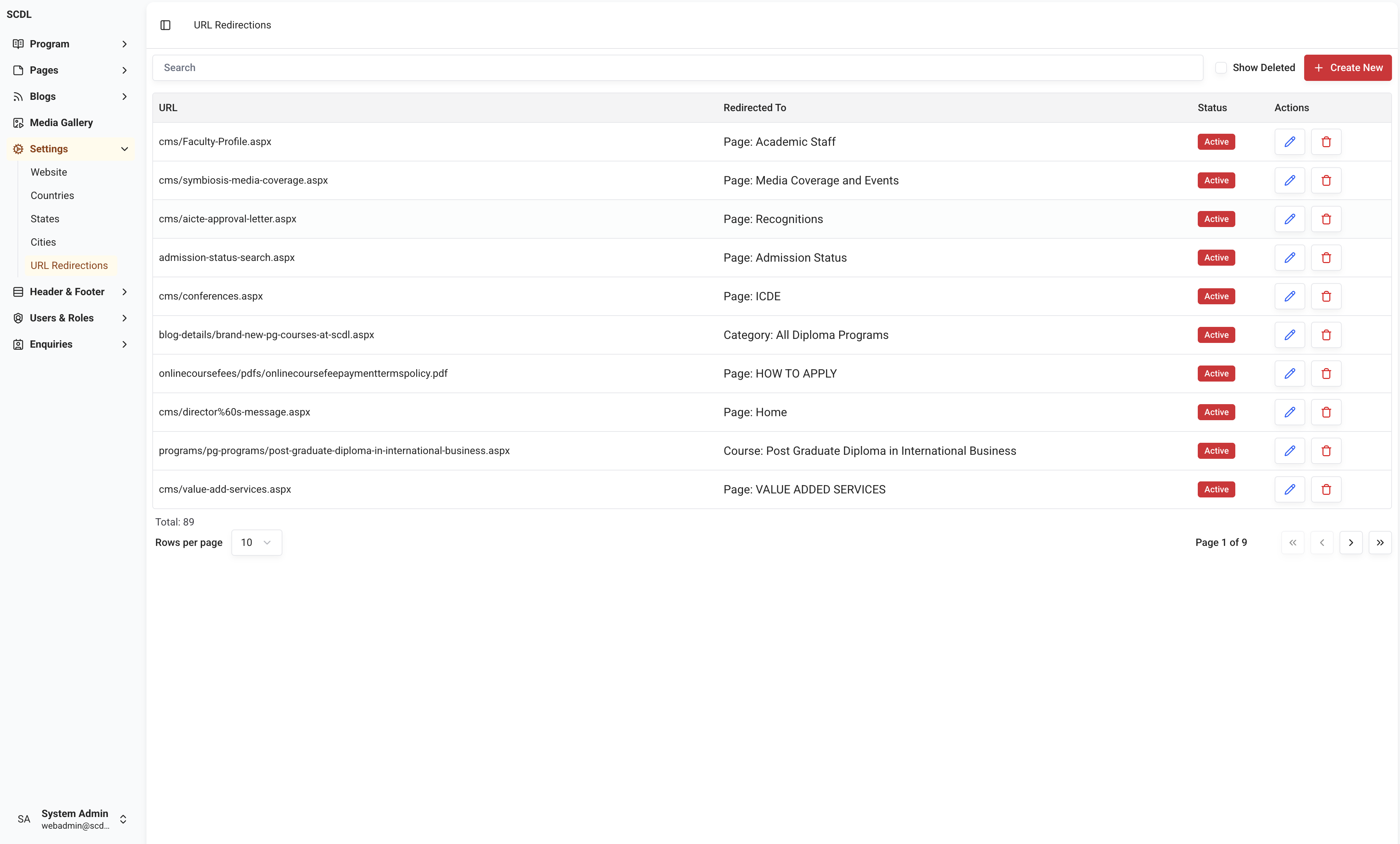
Structure
URL Redirections includes the below fields.
URL (Required): URL to be redirected
Redirection Type (Required): Type of redirection
Based on the redirection type, the below fields will be displayed.
Link: URL to redirect to
Page: Page to redirect to (Page selection dropdown-All pages will be available for selection)
Post: Post to redirect to (Post selection dropdown-All posts will be available for selection)
Post Category: Post Category to redirect to (Post Category selection dropdown-All posts categories will be available for selection)
Media: Media to redirect to (Media Selector will be displayed)
Course: Program to redirect to (Program selection dropdown-All programs will be available for selection)
Course Category (Category): Program Category to redirect to (Program Category selection dropdown-All program categories will be available for selection)
Editing
You can use the editor to edit a URL Redirection.
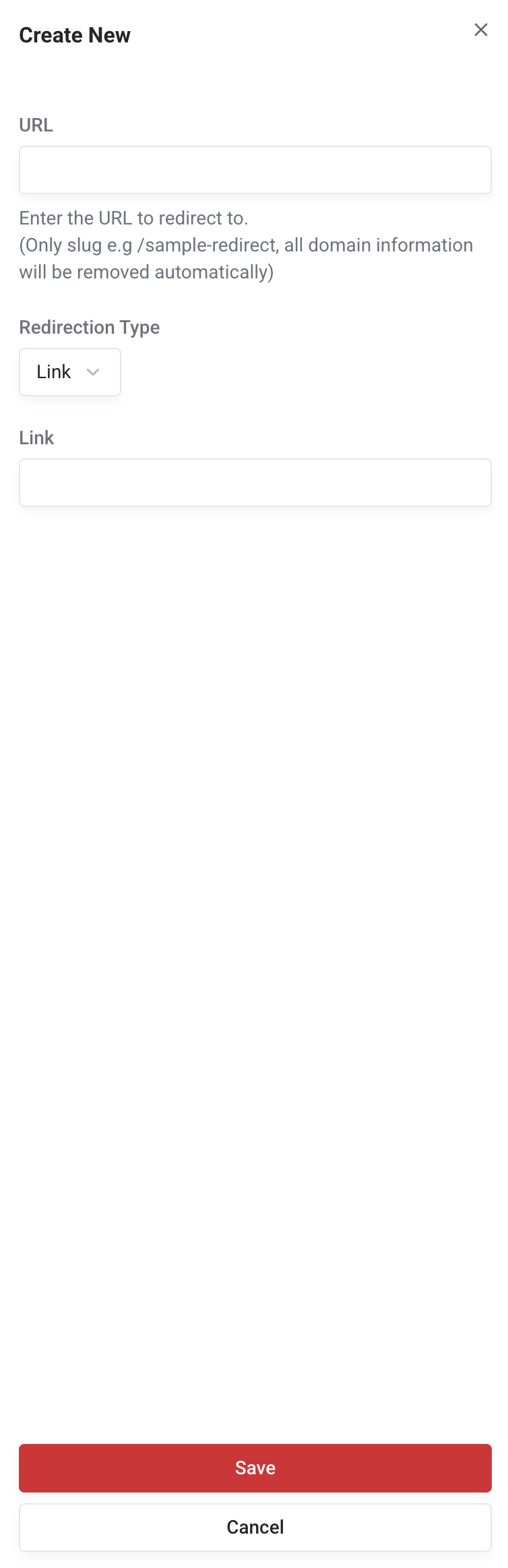
Using the editor, you can add a new URL Redirection, edit the existing URL Redirection.
When users access the unavailable URL (404 mostly), the system will redirect them to the configured URL.